Create a request
Create a request to pseudonymise a specific dataset in your project. Each request must be approved by an administrator. Once approved, you can open the request and generate a token directly from the same page.
To create a pseudonymisation request:
-
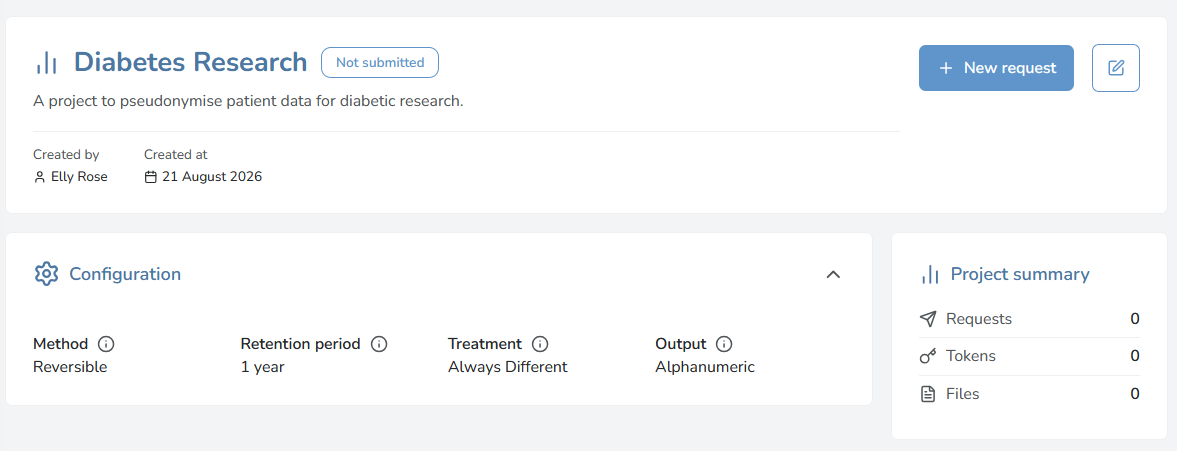
Go to Projects and select your project. The project page opens with the Configuration and Project summary details. If you haven't created a project yet create a project.
-
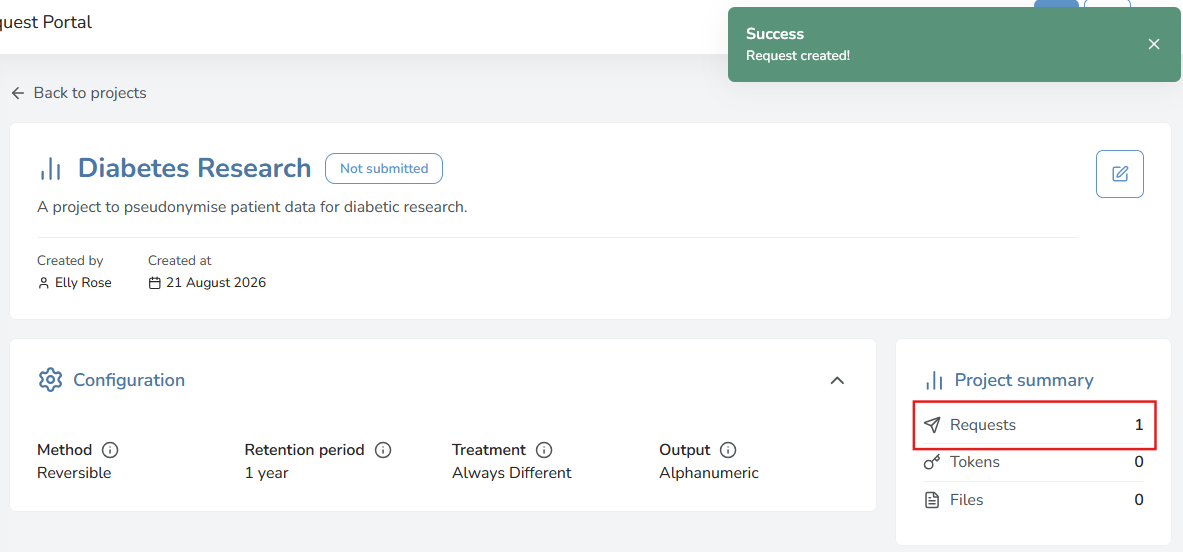
Select New request. Once a request is created, the number of requests in Project summary updates. In this example, there is 1 request created.
-
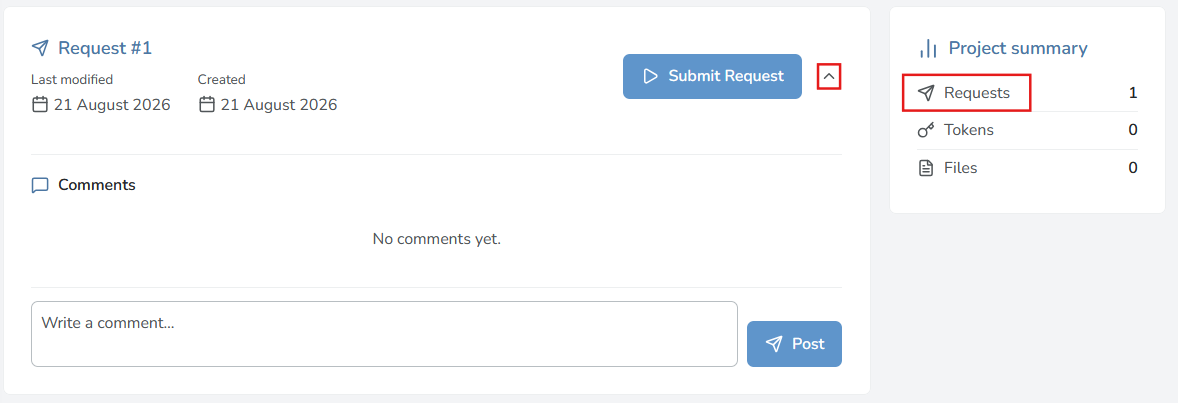
Select Requests in the Project summary to view the request details. Select the expand arrow icon to view more details of the request.
-
Post a comment (optional), and then select Submit request.
What happens after I submit a request?Your request will be reviewed by an administrator. You will receive an email notification once your request is approved. You can also track the status in the portal. Once your request is approved, you can generate tokens to pseudonymise your data.